A shared bookmark library is easy to start and surprisingly easy to neglect. The first few links feel useful. Later, duplicate pages accumulate, labels drift, and nobody remembers which reference supported the final decision. The problem is rarely a lack of storage. It is a lack of context and ownership around what gets saved.
A maintainable library should help a new reader answer a question, not merely display everything the group has encountered. This guide explains how to define a collection, write useful reference notes, review access, and preserve material at the end of a project. The method works with an approved document, bookmark manager, or collaboration service; it does not depend on a particular product.
Give the library a clear job
Write a brief purpose statement before importing a large collection. For example, “References used to evaluate the new onboarding process” establishes a useful boundary. It tells contributors which discoveries belong and gives future readers a reason to trust that the collection is relevant. A library described only as “Team links” invites unrelated tools, reminders, and personal reading into the same space.
Define the audience as well. A public reading list, an internal project library, and a restricted client collection require different sharing decisions. Identify a maintainer and a review point. Maintenance should be a named responsibility rather than an invisible favor performed by the most organized person. A small collection with clear ownership is more useful than an enormous collection nobody can confidently update.
Choose a reference format people will actually use
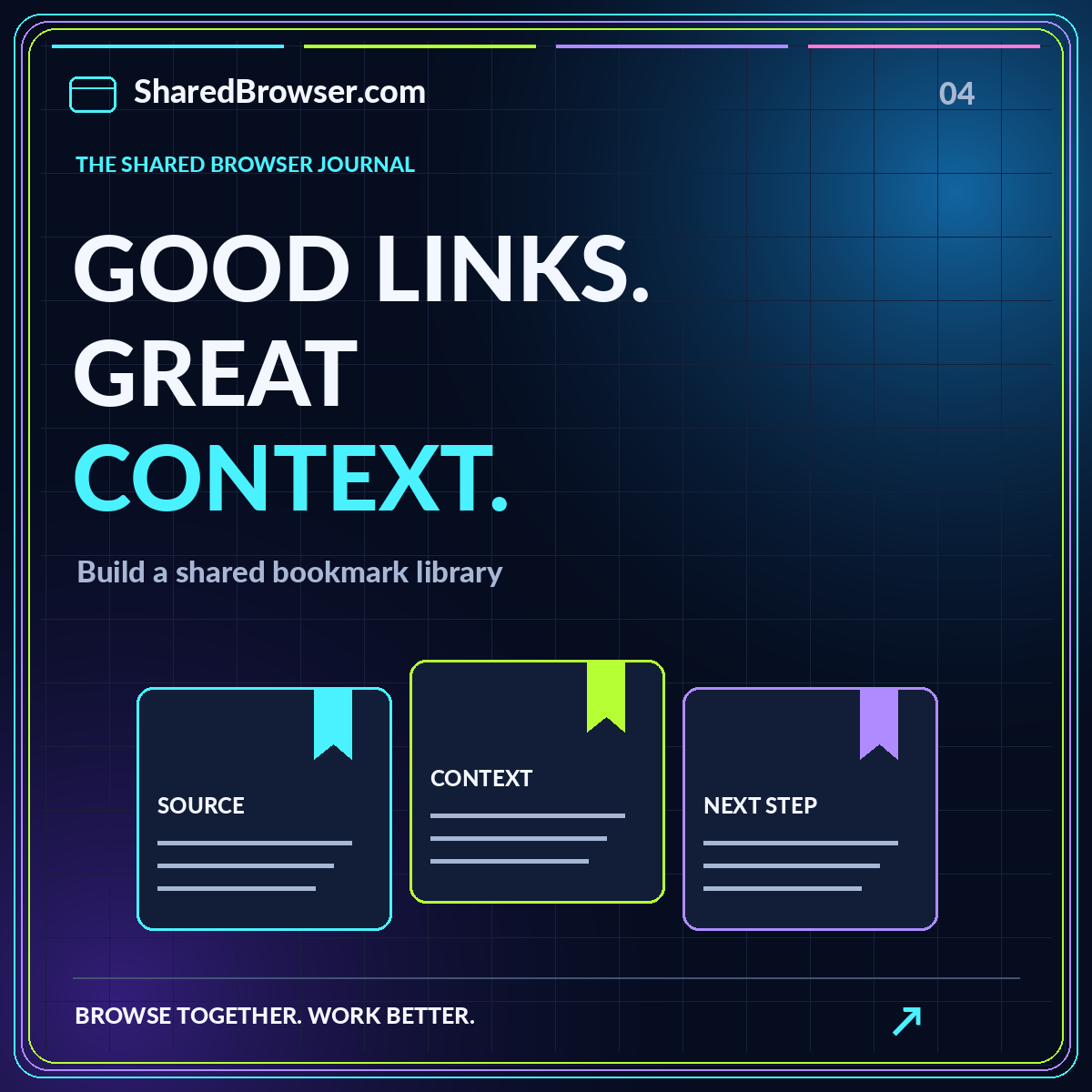
Require a readable title, a destination, and a one-sentence reason for saving. Add the source organization, relevant date, and access note when those details matter. For a long document, include a section title or page reference. This is enough information to help another reader decide whether to open the resource and where to look after arriving.
Keep observations separate from conclusions. “The document lists three export formats” reports something in the source. “This will meet our handoff requirements” is a judgment that depends on your requirements. Store both when useful, but label the distinction. Our shared workspaces guide shows how a reference note can connect to a separate decision rather than doing both jobs ambiguously.
Organize by questions rather than by publishers
Folders named after websites often reflect where a resource came from, not why your team needs it. Start with the questions the collection should answer. For an onboarding project, those might include access setup, first-week tasks, support routes, and success criteria. A reference can then sit beside other material addressing the same question even when the publishers differ.
Use tags sparingly for cross-cutting themes. A source might belong in “Access setup” while carrying tags for security and new managers. Write down the intended spelling of common tags to avoid near-duplicates. Do not add a label for every noun in the title. If a label never helps someone find a meaningful subset, it probably does not need to exist.
Establish a gentle contribution workflow
An intake area can keep incomplete references from cluttering the reviewed library. Contributors add the minimum note, and a designated reviewer checks relevance, duplication, and access. The reviewer can accept the item, ask for context, or explain why it does not belong. Make that decision visible so contributors learn the collection's boundaries rather than feeling that their work disappeared.
Avoid creating a heavyweight approval process for ordinary public references. The review effort should match the risk and importance of the material. A source that supports a major decision deserves closer attention than a background tutorial. Give contributors a small example of a good entry. An example often communicates the desired level of detail more effectively than a long list of rules.
Make source quality part of the note
Ask what the resource can actually support. A product page is evidence of the provider's stated capabilities, not independent proof of performance. A tutorial may be useful for a procedure but inappropriate for a broader factual claim. A study needs to be interpreted within its methods and population. These distinctions help a team avoid treating every saved address as equally authoritative.
Record limitations that matter to the project. A source may describe a different version, a different region, or a different operating environment. Do not silently upgrade a tentative finding into a settled fact when summarizing it. A short “needs confirmation” note is valuable information. The collaborative research guide offers a fuller approach to connecting claims with evidence.
Check the permissions of the destination
A library's access setting and a linked document's access setting are separate. A colleague may be able to see your reference note but not open the destination. Conversely, an unrestricted sharing link may let a wider audience open material than the library's title suggests. Review both layers using authorized test access and harmless content when setting up a new workflow.
Do not place passwords, recovery links, or temporary access tokens in bookmark notes. For restricted material, link to the approved destination and explain how an authorized person should request access through the normal process. Avoid working around that process by copying the entire contents into a more widely shared collection. Convenience should not quietly redefine the audience for the underlying information.
Plan for portability before the collection grows
A library becomes more durable when its essential context can survive a tool change. Check whether the current system can export titles, addresses, folders, and notes, and test the output rather than assuming all of those fields are included. Open a sample export and confirm that another person can understand it without the original interface.
For one concrete example, Mozilla's bookmark export documentation describes exporting Firefox bookmarks to an HTML file for backup or transfer. That kind of file preserves bookmark information, not a complete copy of every destination page or every project's surrounding discussion. Keep decisions and important annotations in a format that you have separately verified can be preserved.
Review usefulness, not just broken links
A link can still open while its content has become irrelevant. During review, ask whether the source still answers the collection's question and whether the interpretation remains accurate. A renamed product, changed process, or superseded policy may make the old note misleading even when the address works. Record the review outcome and update the note where appropriate.
Keep historical evidence when it explains a past decision, but label it accordingly. Do not present old material as current instructions. If a source is removed, leave enough explanation that a future maintainer understands why. A library that distinguishes current guidance, background reading, and historical evidence can serve different needs without forcing every reference into a single status.
Give the project a closing record
When the work ends, publish a short summary at the top of the collection. State what was decided, identify the key supporting references, and explain which questions remain open. Archive unsuccessful options separately from the selected approach. Remove access that is no longer needed and name a person responsible for any material intended to stay current.
A useful bookmark library is a small knowledge system, not a link warehouse. Give it a purpose, require modest context, make review visible, and test the handoff to the next reader. Start with a few well-explained references and expand only when the structure remains understandable. The resource templates provide a simple reference-note pattern and a project closing checklist to put that approach into practice.